
How to limit the damage from ransomware
We wrote about it before: ransomware. A nasty piece of malware that encrypts your important business files and threatens to destroy them unless you cough up money fast. Even if you pay, there is no guarantee your documents will be released. Following on from our tips for recognising harmful emails, this time we look at the question: how do you limit the damage if online extortionists get you anyway?
Fourth generation
Where the first generation of ransomware only targeted your local drive, the current, fourth generation goes after your network drives. Business data, after all, is often no longer stored on a PC but on the network. Connected USB sticks and even documents you have saved in Dropbox are not safe either. On top of that, the latest ransomware is smart enough to go straight for popular file formats such as .doc, .pdf and .xlsx.
Tip 1: Make offline backups
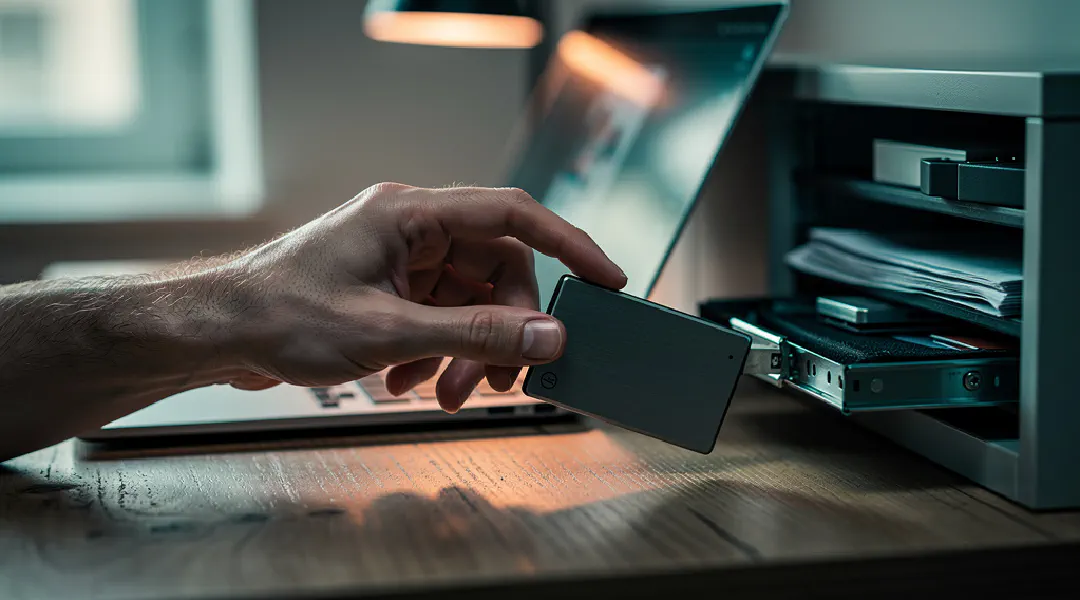
Don’t use (only) your own network, USB drives or Dropbox for your backups. After all, ransomware grabs everything it can get hold of within your network. If you only notice the infection after one or more backup copies have been made, the files are already lost for good. So go for an offline backup system that ransomware cannot change remotely (a write once, read many system) and that keeps old versions going back at least two weeks.
Tip 2: Limit the permissions on your network
Prevent ransomware from encrypting documents across your entire company network through an infection of a single computer. Many companies have an open network. But if an employee can edit a document, so can the ransomware. So give users only the read and write permissions they need. Not everyone needs access to invoices, for example. And for templates, ‘read only’ is enough. Give administrator rights only to the system administrator; for the rare occasion an employee wants to install something, they can ask for permission.
To pay or not to pay?
Has the sneaky software taken valuable files hostage after all, and do you not have a good backup? Then you may be thinking of paying anyway. The senders deliberately ask for relatively low amounts – usually between 300 and 2,000 euros – which makes victims more inclined to take the gamble. You have hardly any time to think it over: sometimes only 72 hours before the price goes up. In the end the decryption key is wiped and it becomes impossible ever to get your files back. Cracking the encryption is not a practical option; with the methods available it takes decades. And keys that were released earlier are of no use to you with new infections.
If the amount is relatively low and the damage is great, we can understand that you might take the chance. But in general we advise against paying, because it only encourages the makers of ransomware. And because there are plenty of known cases in which the encrypted documents were not released at all after payment.
Access restored?
Did it work and have you got your document(s) back? Resist the temptation to simply carry on working. You don’t know what else the ransomware has been up to and what it will still do after you have paid. Who knows, it may have opened back doors for infection with other viruses. So always wipe both the infected PC and all connected devices that may have been affected completely, and reinstall them!