
Online extortion: ransomware
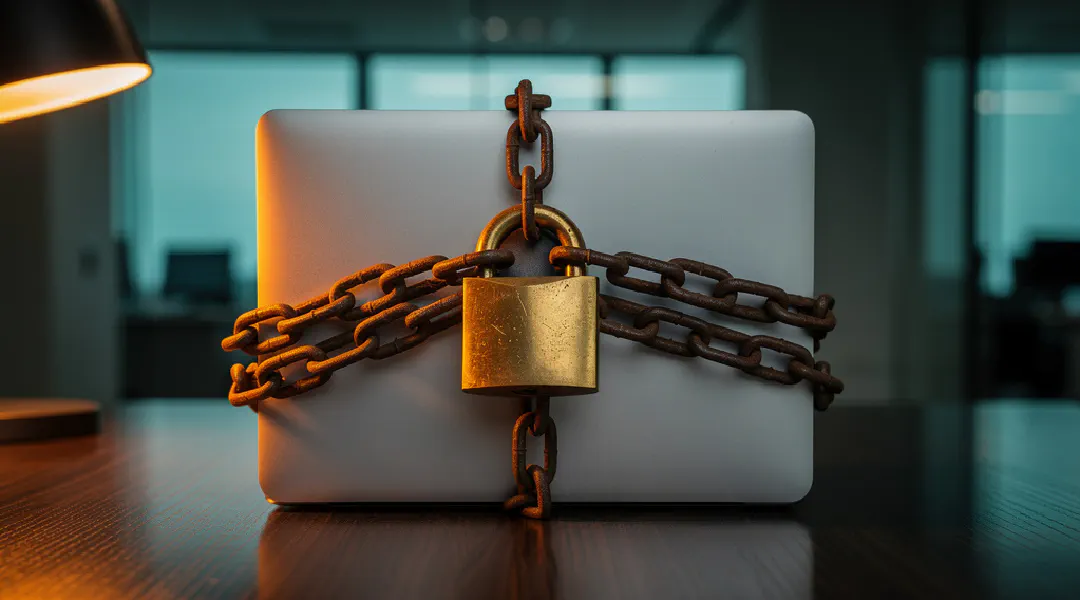
Early this year, the European police agency Europol even issued a warning about it: ransomware. This followed a rapidly growing number of reports of this new form of cybercrime. The phenomenon covers a multitude of ways in which computers are, so to speak, taken hostage. How can you recognise such an attack, and why is it happening more and more often?
The problem
The virus or trojan gets into the computer via an email attachment. When the recipient opens the attachment, the damage is already done. From that moment on, the sender has access to all the files on the computer. These files are then encrypted at random. Often the recipient doesn’t notice right away that anything is wrong. Only when an encrypted document is opened does a threatening message appear on the screen.
The consequences
The senders extort a sum of money – almost always payable in Bitcoins – in exchange for decrypting the documents. If it isn’t paid within a certain time frame, the documents stay encrypted for good. A serious form of extortion, then. Unfortunately, paying is far from a guarantee that the files will be decrypted. And if the files are infected and this is only noticed after one or more backups, the files are lost forever. Because the criminals organise themselves in an extremely complex way, it is impossible or nearly impossible to trace who is behind the attack. That makes it all the more attractive for them, which is why the problem is growing faster and faster.
How widespread is it?
Ransomware is regularly in the news. What’s more, fake emails are increasingly sent in the name of well-known companies and trusted online shops. PostNL, DHL, Bol.com and Wehkamp, for example, have all been used as a smokescreen over the past year. Because the design often looks good and the attachment appears to contain information about an order or shipment, recipients are quick to open the file. Besides private individuals, the government and businesses also fall prey to cyber extortion. Onlinespamfilter stops thousands of these messages every day.
The tips below can help you recognise harmful emails and prevent their consequences:
- Check carefully whether there is an attachment containing an executable file (.exe, .com, .bat, etc.).
- Watch out for spelling mistakes in the email and / or attachment. If you don’t trust the email, don’t reply. If necessary, search Google for reports of fake emails from the company the email appears to come from. Or get in touch by phone.
- Avoid clicking on links in unusual emails.
- Make different kinds of backups on a frequent basis.
- Use a good spam filter.
- Also use an up-to-date virus scanner locally.