
Cybercrime in your email account
You may think you will never have to deal with cybercrime in your mailbox. After all, you don’t leave your password lying around, and of course you use a good spam filter. The thing is, there is a certain kind of cybercrime that works so cleverly that the email doesn’t look like spam at all at first, and so isn’t recognised as spam either.
How do you keep cybercrime from making things go wrong in your email communication?
Recently I was in touch with a company that had been swindled out of 80000 euros. All through one ‘simple’ little email. What would you do if you received an email saying that your email account is full and asking you to request extra space? Just log in and tick a box, that’s all it takes! Especially if the email looks trustworthy… You’re busy and don’t want to risk no longer being able to receive or send emails. So you fill in your details and assume you’ve sorted it out.
Awareness of how criminals operate
From that moment on, a cybercriminal has access to your email account. Sometimes they watch along for weeks or months. They find out who handles the invoices, pay attention to your writing style, or pull the financial information from the company website. The goal, after all, is to get money out of you.
As soon as invoices arrive in your mailbox, they spring into action. A fake account is created. Instead of info@jouwbedrijf.nl they create an email address such as info@jouw.bedrijf.nl. Just slightly different, which at first doesn’t stand out at all. Then they lift out the entire invoice correspondence. Halfway through the conversation they replace all the addresses in the emails with the forged domain. Every reply, cc and bcc goes not to the company in question, but to the forged domain. You don’t notice straight away, and so 80000 euros can be embezzled in just a few emails…
Double-checking at the coffee machine
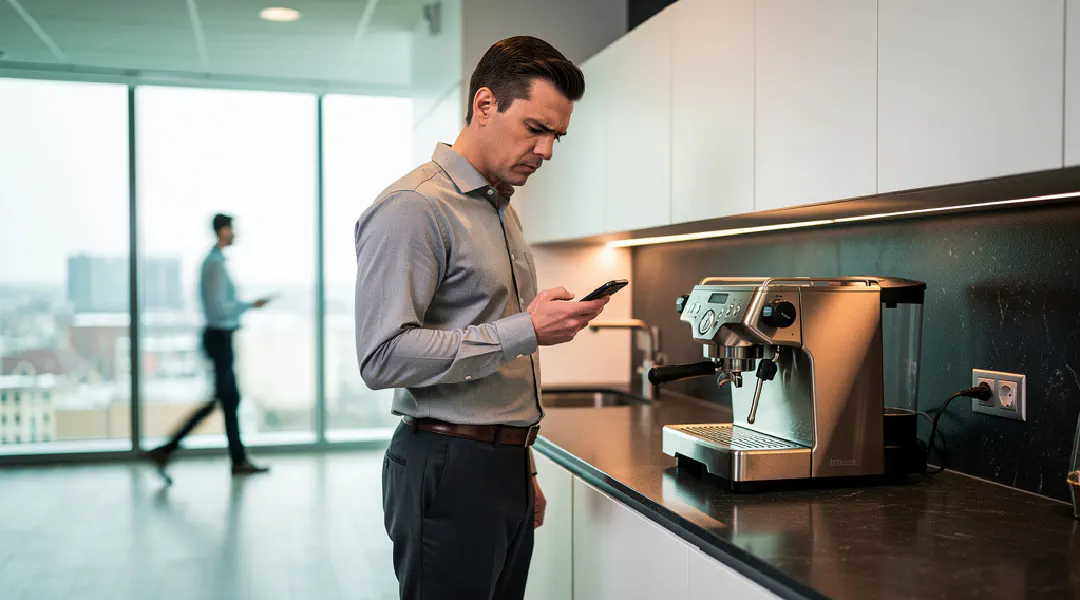
In these times of working from home a lot, this form of cybercrime only gets easier. After all, you don’t just pop over to a colleague to ask about that one invoice where the account number has changed. You no longer bump into each other at the coffee machine, where seeing that colleague reminds you of that one email. When you see each other, you discuss how things are going more often and more quickly. Then you’d soon have found out that no account number was changed recently. You know what that means…
What can you do?
These are practices you’d very much like to prevent. There are a few things you can watch out for:
- We try to stop the first email, the one asking you to fill in your details. That works in 99% of cases. Do you get such an email anyway? Then whatever you do, don’t fill it in; first check with your colleagues, manager or system administrator whether the content is right. Tip: No one should ever ask for your login details.
- Good security on your server helps enormously, of course. You can also reduce the number of IP addresses from which your email can be accessed. If you only work in the Netherlands, and perhaps once a year at your holiday address in Austria, you only need two. This makes it a lot harder for criminals to get into your email account.
- You can also set up a VPN connection for employees who work from home. This increases security considerably and also prevents eavesdropping on poorly secured wifi connections.
- A second communication channel always helps too. Say you get one of these suspicious emails: you can always send a quick message to the person the invoice comes from. ‘Did you just send me an invoice?’. Then you’ll soon know whether the email really is from them. It is much harder for criminals to get at all your communication channels. So a quick message or phone call is a good extra check when a lot of money is involved.
- It’s also a good idea to lay down the payment terms in a protocol. For example, that when someone wants to change an account number, this can be done by email, but there is always phone contact about it as well. Using two independent channels can save a lot of misery!
I hope this helps you secure your email account and email traffic. Need help with that? Feel free to call us on 076 8200203 or email us at info@onlinespamfilter.nl